Sending Notifications
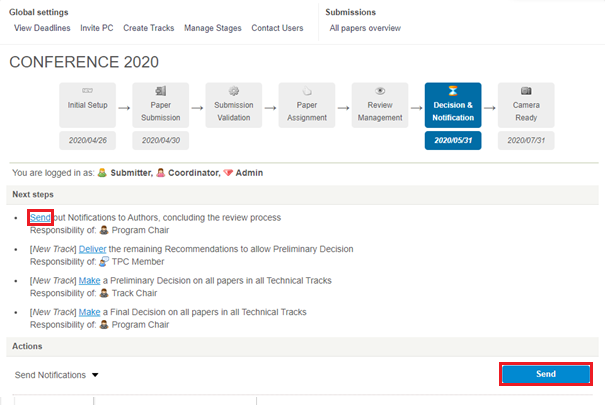
Notifications can only be sent once all papers in the track have their final decisions made. On the homepage of the conference, click on ‘Send‘ (see in red on screenshot below). You can make changes to the acceptance and rejection messages before hitting Send.
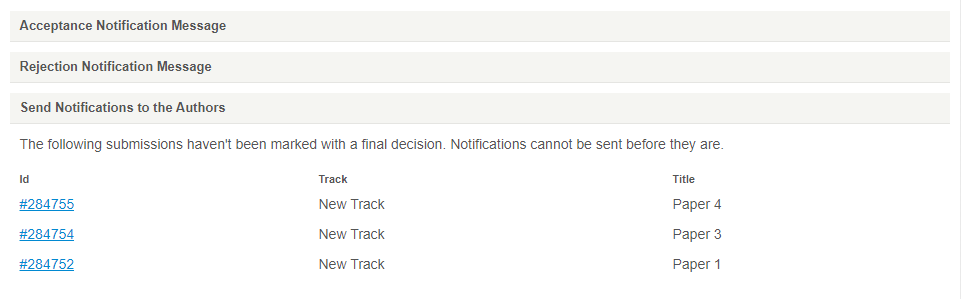
NOTE: If any papers are missing the final decision, you will not be able to send notifications. You can see the papers that are blocking your progress on the bottom of the page (see screenshot below).